Capture every moment with ease using Screen Recorder Lite—the fast, intuitive tool that gives you all the professional recording features you need in one lightweight application. Whether you’re capturing your screen for tutorials, gaming, podcasts, or webinars, Screen Recorder Lite has you covered with high-quality video and audio tools that make recording a breeze.
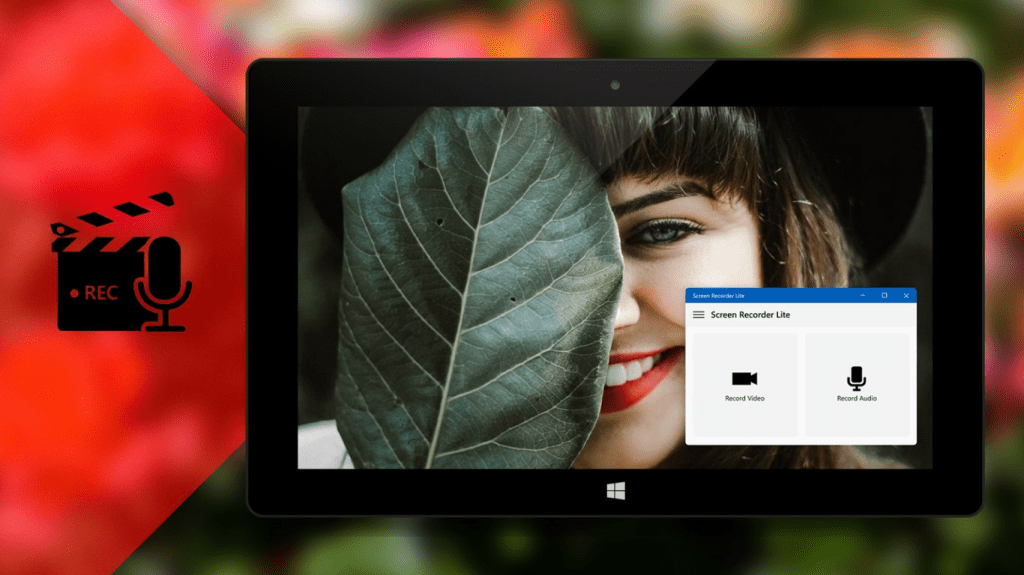
Record the entire screen, active applications, specific windows, selected areas, or full HD games. From tutorials to gameplay, Screen Recorder Lite adapts to your every need. Capture system audio, microphone input, or both, with custom audio options that allow you to add real-time commentary. Optimize sound quality to your preference and save recordings in multiple popular formats like MP3, WMA, FLAC, and more.

Save and export your videos in widely-used formats like MP4, ensuring compatibility with all your devices and sharing platforms. Simply connect your webcam, microphone, or headphones, and Screen Recorder Lite does the rest. With user-friendly setup, recording high-quality audio and video has never been this easy.

Screen Recorder Lite combines powerful recording capabilities with simplicity, making it ideal for both beginners and professionals. Create high-quality screen captures, optimize sound, and export in flexible formats—all with just a few clicks. Choose Screen Recorder Lite for a professional, efficient, and seamless recording experience!
Try Screen Recorder Lite on your PC today, and transform your screen recordings with ease!
 Tidal Media Inc. — Software for Windows & Cloud Solutions