Windows Server 2022 introduces advanced multi-layer security, hybrid capabilities with Azure, and a flexible application platform.

This is a quick deployment and ready-to-run image.
Simple and rapid installation. Easy to maintain.
Connecting to Datacenter for Windows Server 2022
- To connect to the virtual machine, run the program “Remote Desktop Connection”
- Enter the ip address of the virtual machine in the field “Computer” and press “Connect”

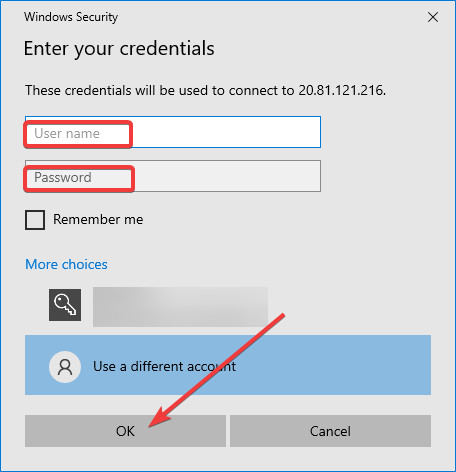
- Next, enter your username / password that you specified when creating the virtual machine
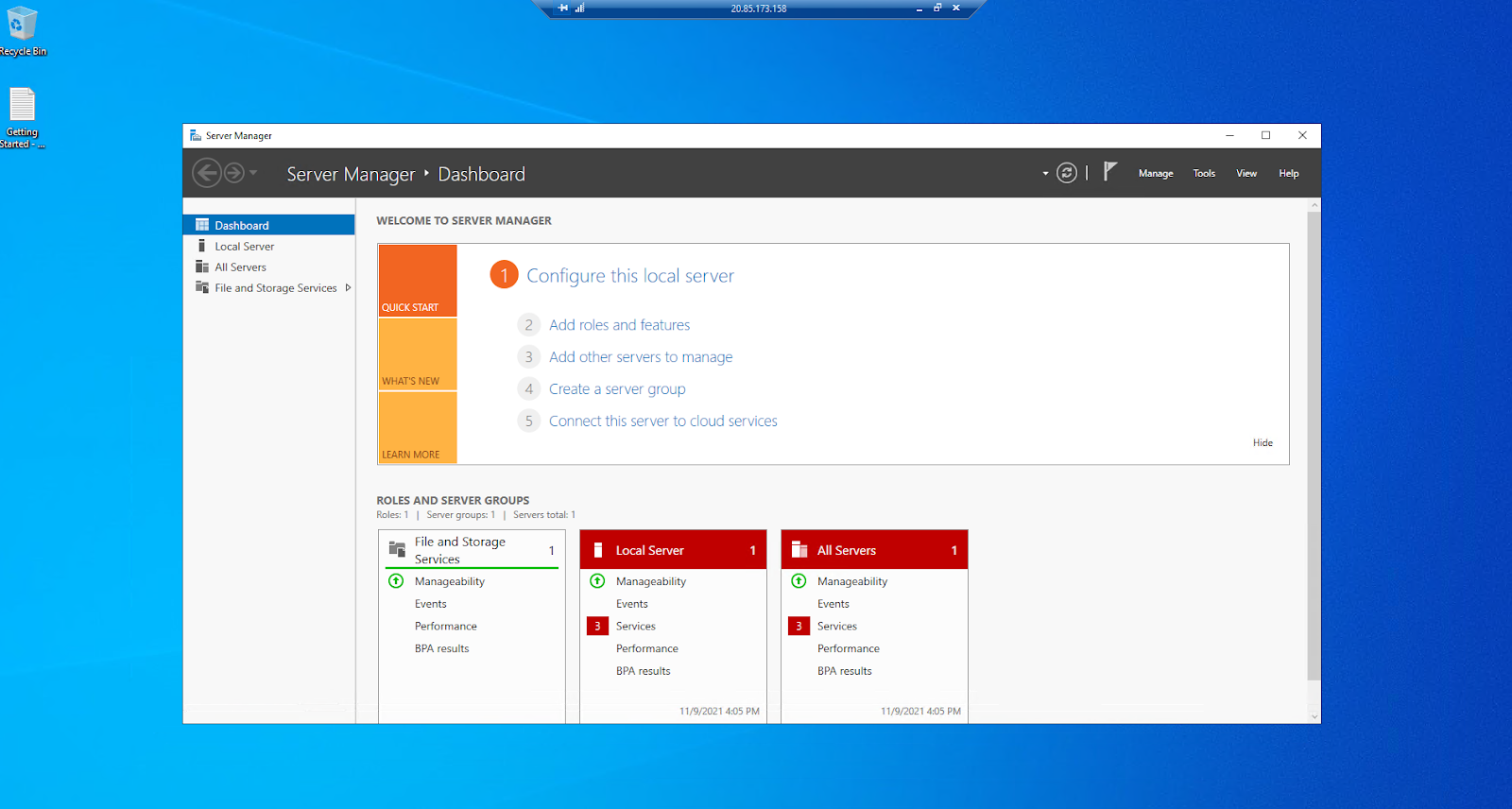
- Windows Server 2022 Datacenter VM started
 Tidal Media Inc. — Software for Windows & Cloud Solutions