Terraform on Windows Server 2025 Datacenter enables seamless infrastructure as code deployment with the latest Windows Server features, optimizing cloud automation and provisioning.

This is a quick deployment and ready-to-run image.
Simple and rapid installation. Easy to maintain.
Configuration and Connection to Terraform on Windows Server 2025 DC
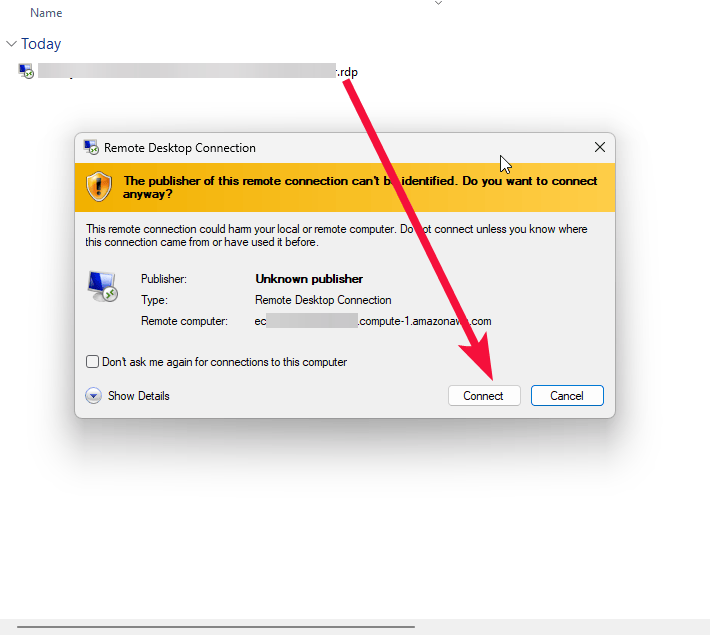
- To connect to the Server, you should generate a “Private Key” in advance. This can be done using the Guidance on usage. To connect to the virtual machine, click the Remote Desktop file from step 10 of the Guidance on usage.
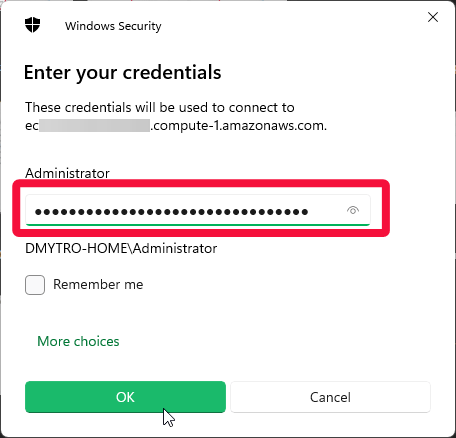
- In the window that appears, enter the password from step 12 of the Guidance on usage and click OK.
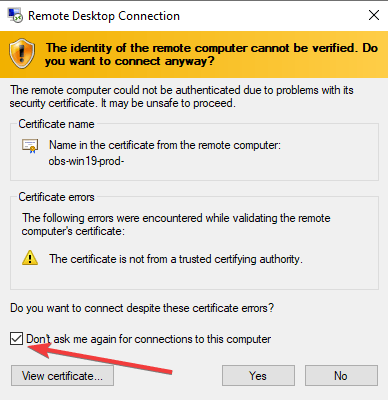
- Check the box and click “Yes”.
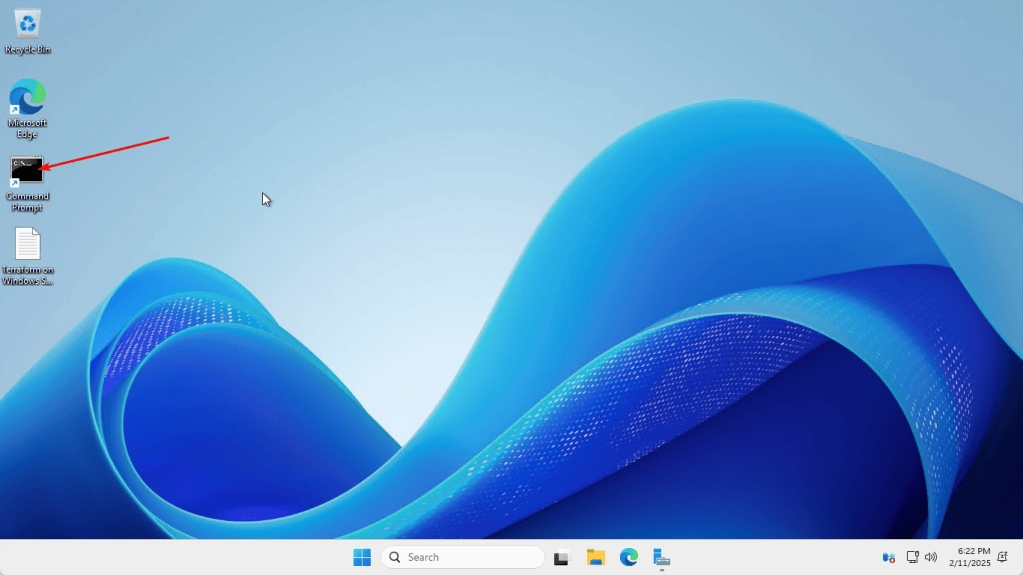
- Open Command Prompt
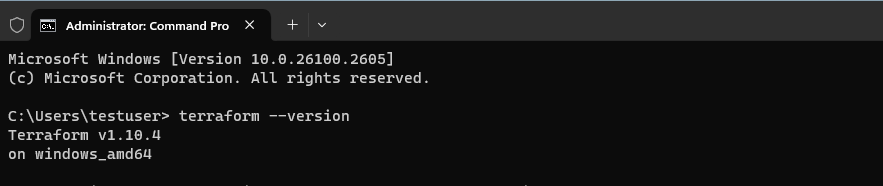
- To check the installed Terraform version, run: terraform -version
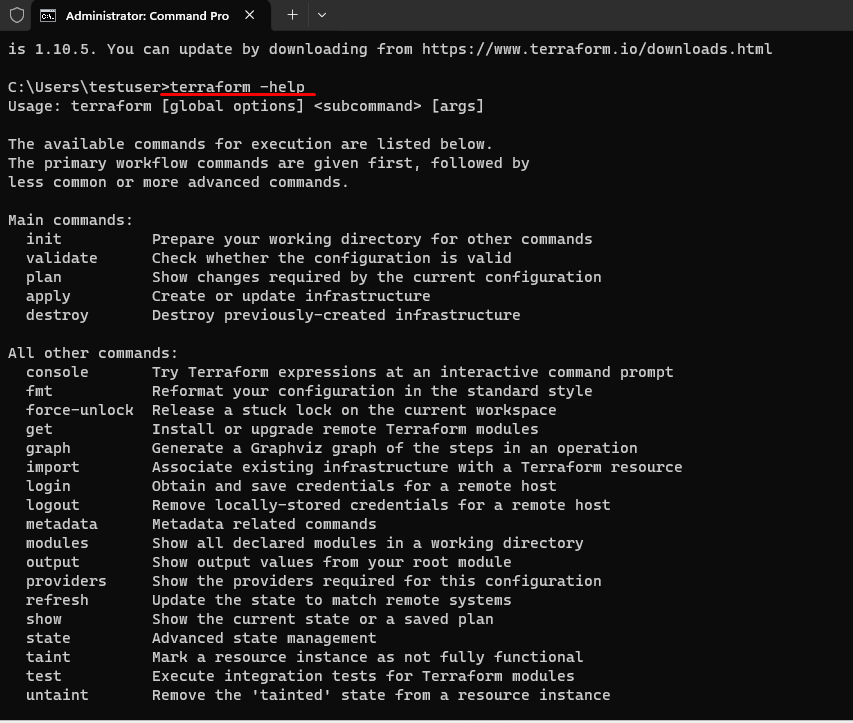
- To view available Terraform subcommands, run:
terraform -help
Now you can start using your Terraform software on Windows Server.
For more information, refer to the official documentation:
📄 What is Terraform? | HashiCorp
📖 Terraform Documentation | HashiCorp
🎓 Terraform Tutorials | HashiCorp Learn

