Connection to ownCloud Platform on Linux Stream 10
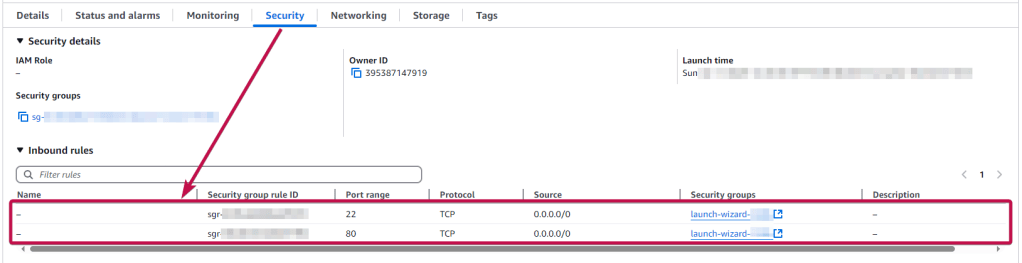
To work, you should open ports 22 and 80 (TCP) in the network properties in the Amazon firewall. After purchasing and starting the VM, you should know its IP address. You can find it in Amazon’s personal account.
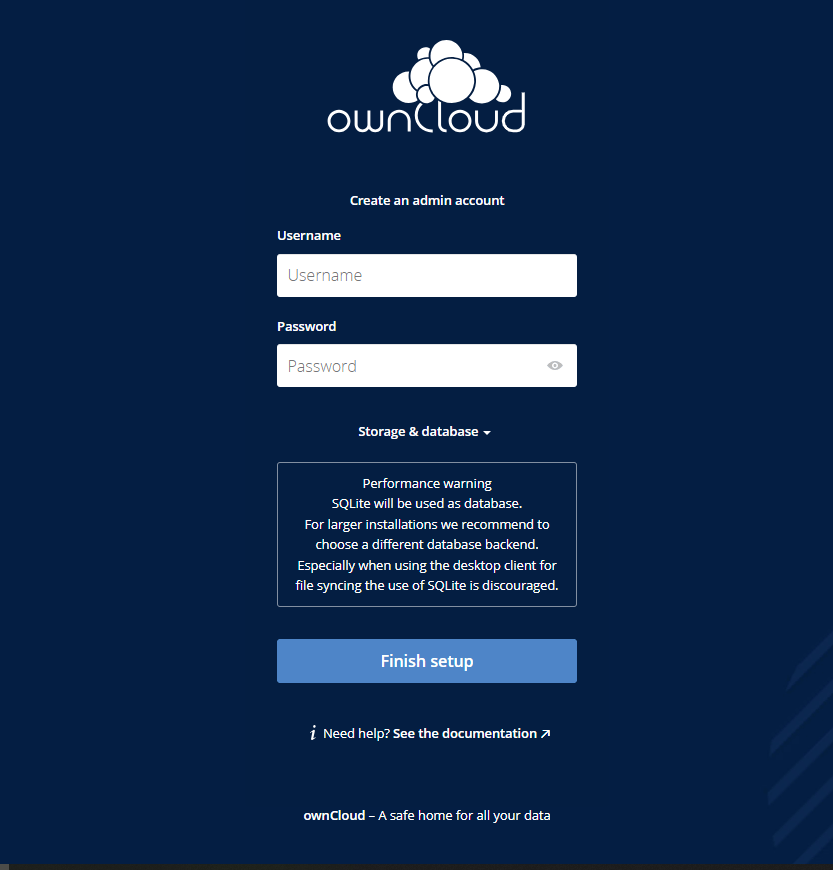
- Now you can go to the admin panel. To access the admin panel, you need to enter the address bar http://yourVM’sIP/
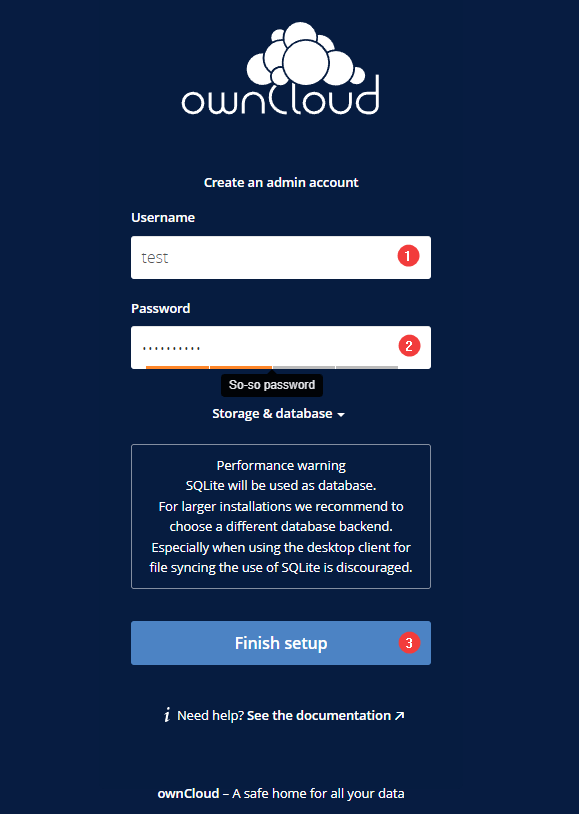
- To set up your cloud storage, you need to enter your username (1) and password (2) in the appropriate fields and click Finish setup (3).
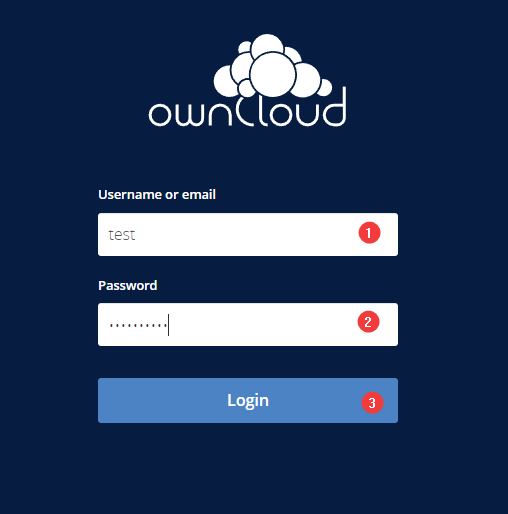
- After setting up the cloud, you need to keep your username (1) and password (2) that you entered in the previous step and click the Login button (3).
- To change your password, follow these steps: click on your Login(1)>Settings (2).
- In the fields, enter the current and new password and click Change Password.
- To upload files in the cloud, click on the plus icon and select Upload.
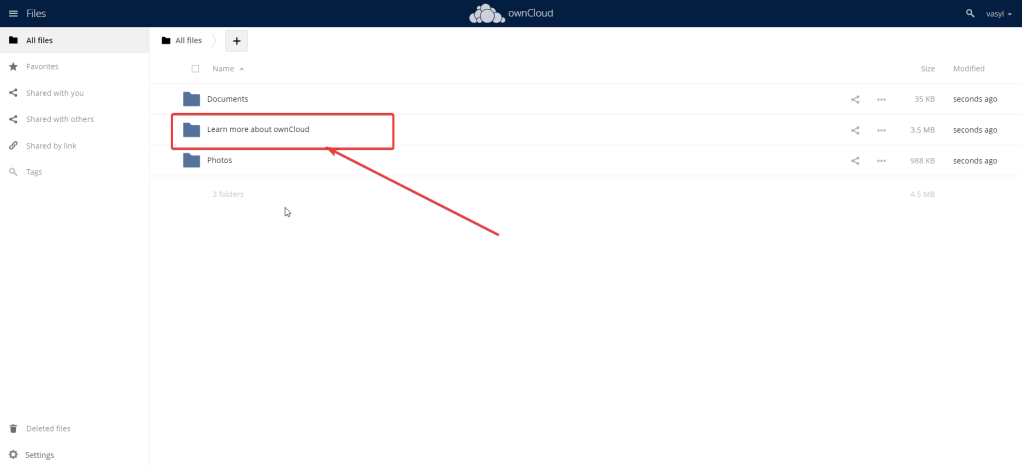
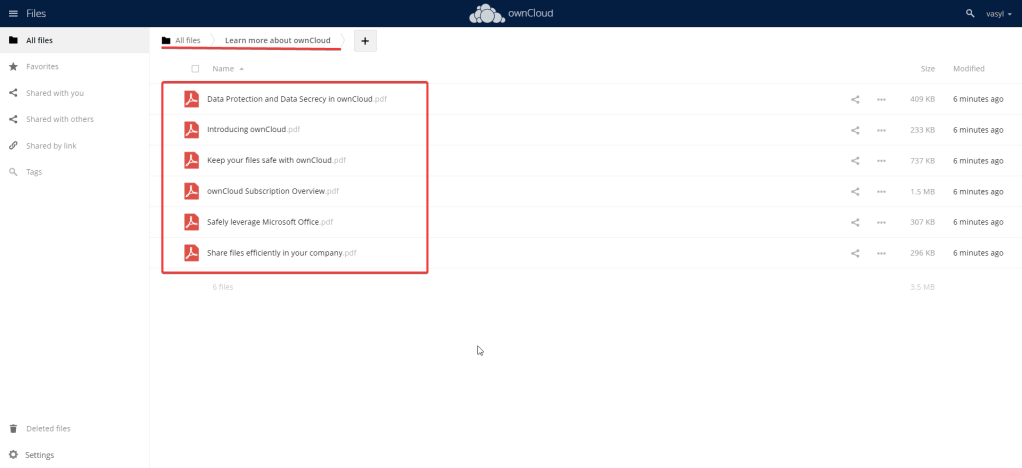
- More information about cloud storage can be found in the folder ‘Learn more about ownCloud’.
Now that you are the owner of the cloud storage, we hope you will enjoy working with it.

