Connecting to Grafana® with Prometheus on Ubuntu 24.04 LTS
To start the server, start the virtual machine through Amazon
- For the VM to work, you need to open TCP ports 3000 and 9090 in the Inbound rules of the Secure group.
- In your browser, enter http://VM_IP:3000. For example: http://11.22.123.123:3000
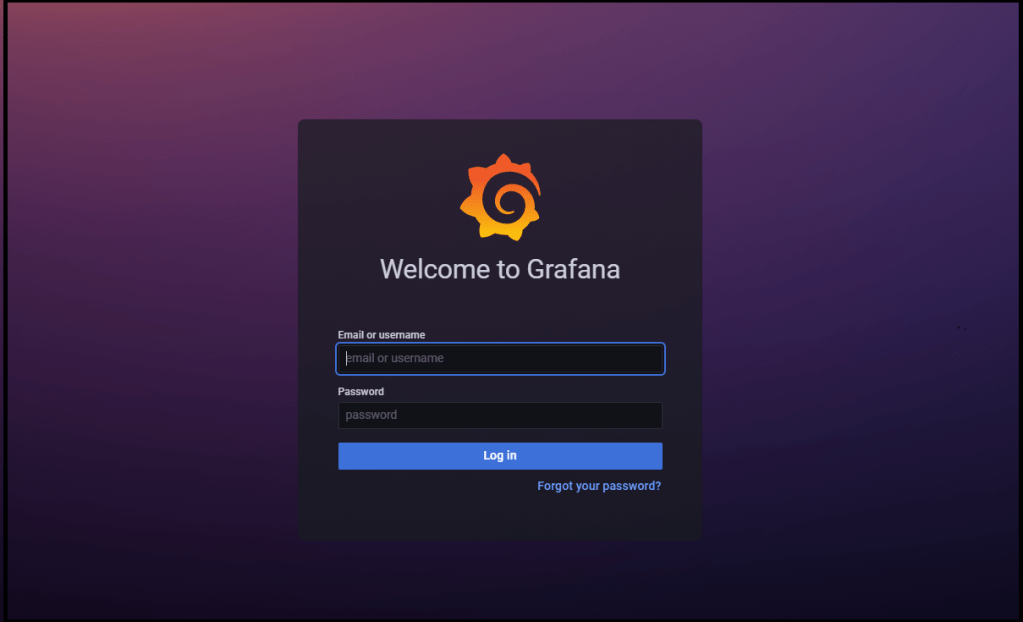
- When you go to the site, a page with authorization opens.
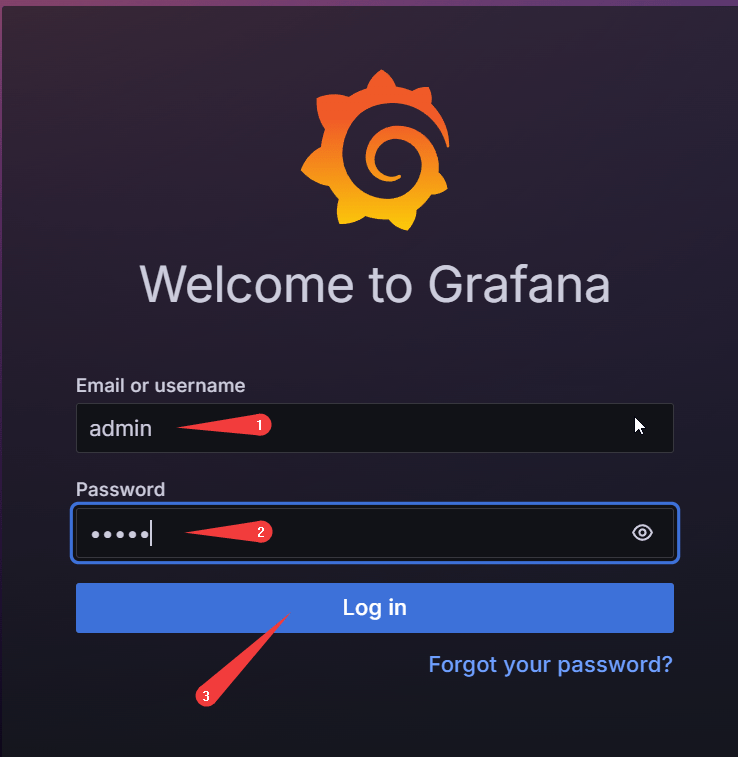
- Use admin for both username (1) and password (2), then click Log in (3).
- The first time, you will be asked to change your password. Create a new password (1), confirm it (2), and click Submit (3).

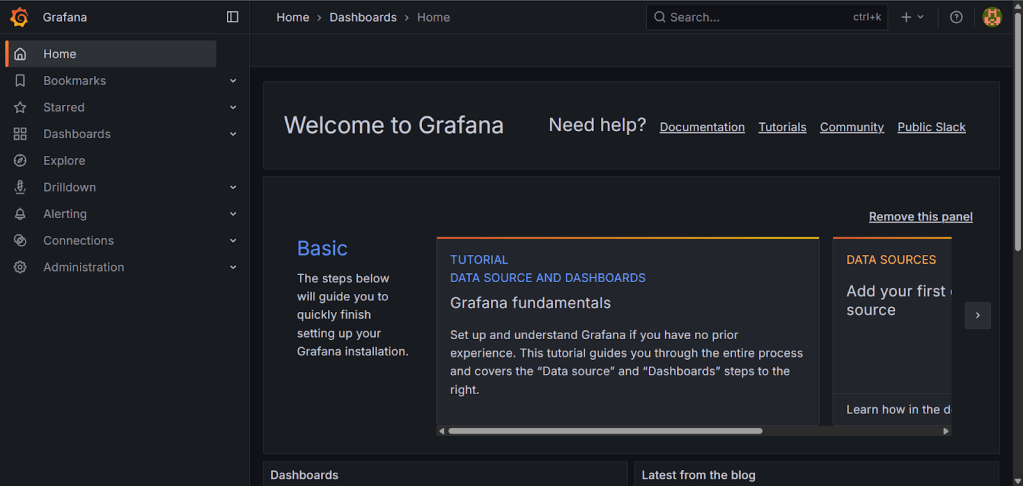
- Now you can work with the Grafana server
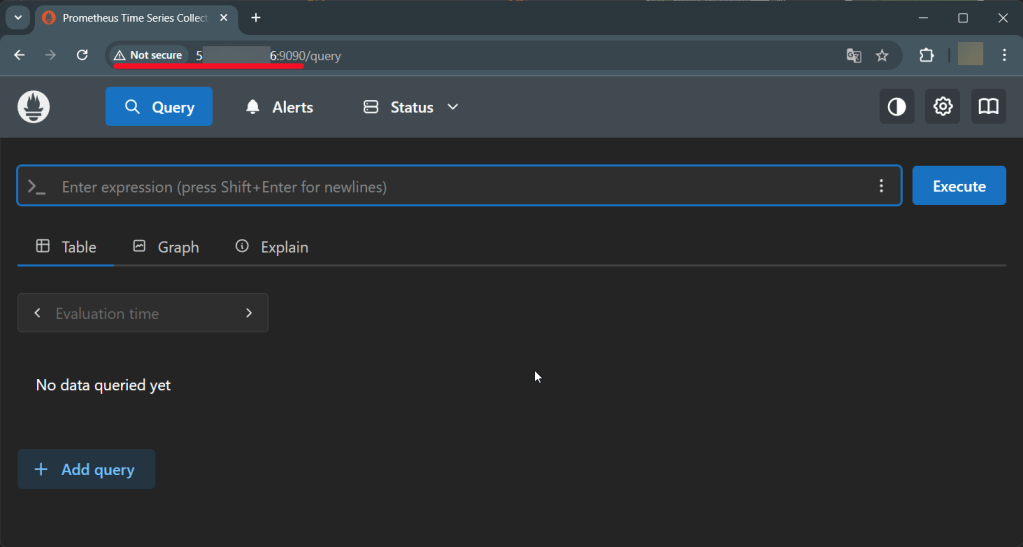
- To configure data collection in Prometheus, go to http://VM_IP:9090 and add queries.
 Tidal Media Inc. — Software for Windows & Cloud Solutions