Bonobo Git Server for Windows Server 2019 is a web application you can install on your IIS and easily manage and connect to your git repositories.

This is a quick deployment and ready-to-run image.
Simple and rapid installation. Easy to maintain.
The connection to Bonobo Git Server for Windows Server 2019
- When the VM is turned on, the server will be automatically turned on, and it’ll be available at the following address: http://*vm_ip*/gitserver/
- To get to the main page, enter the login <admin> and the password <admin>
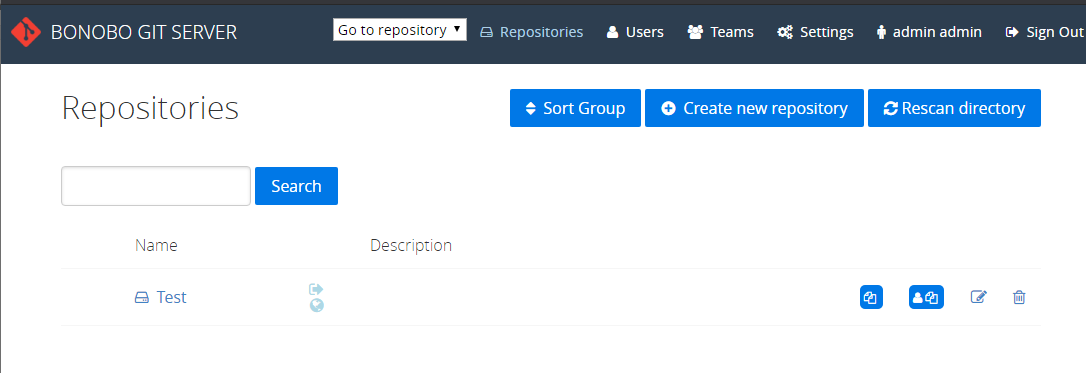
- After the successful authorization, it’s recommended to change the standard login and password. To do this click the Account button in the top right corner

- The page of the account editing will be opened. Fill in the “Surname” and “Email” fields, enter the new password, and click “Save”.

- To create the repository, go to the “Repositories” tab and click the “Create new repository” button

- Name the repository (the other settings are optional) and click the “Create” button.
- When the repository is created, the page with the created repositories will be opened. You will be able to work with your repository from the “admin” user.

 Tidal Media Inc. — Software for Windows & Cloud Solutions